
No products in the cart.

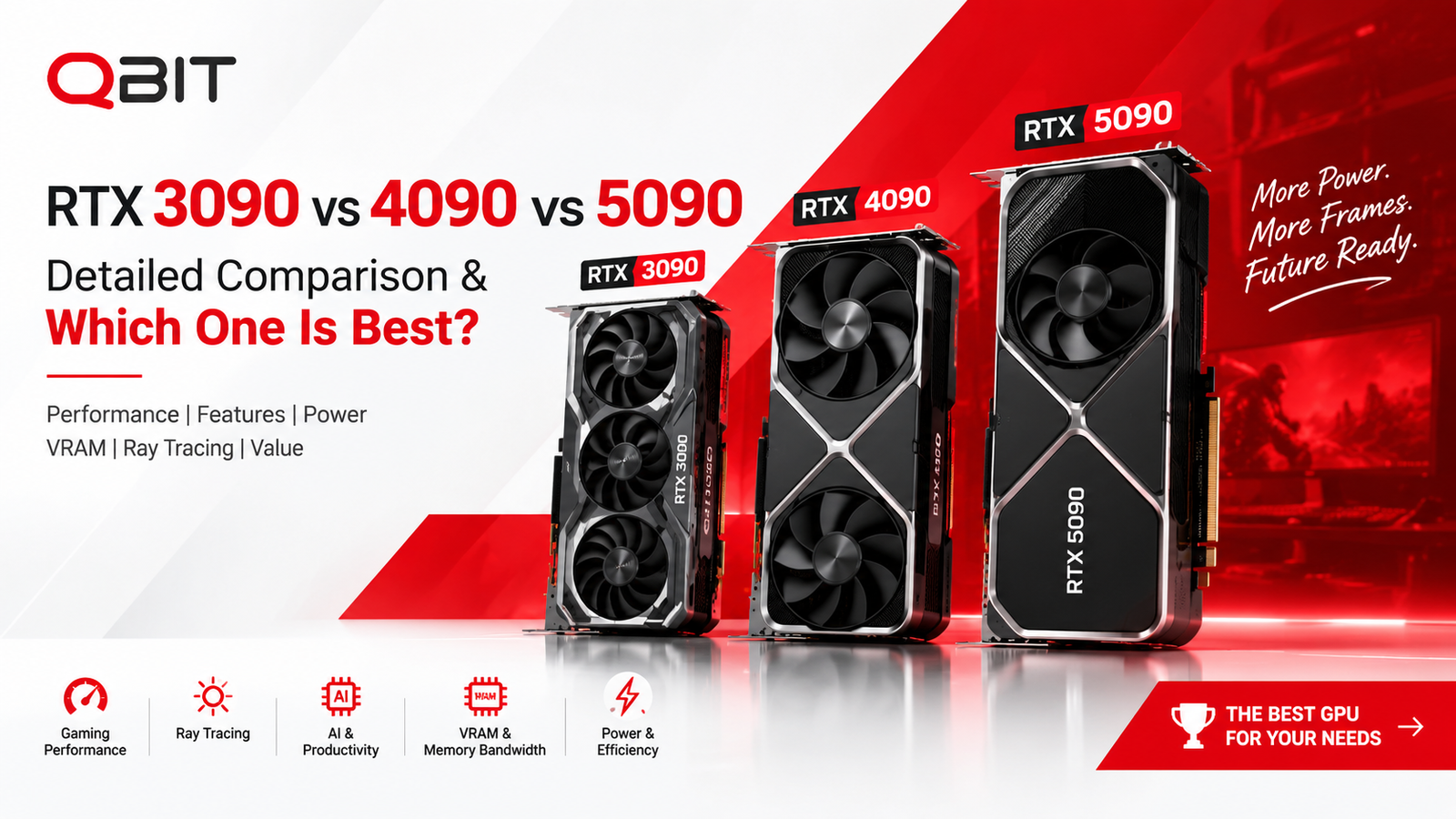
RTX 3090 vs RTX 4090 vs RTX 5090: Detailed GPU Comparison — Which One Is Best in 2026? Leave a comment
If the goal is simply to identify the fastest card, the answer is straightforward: the GeForce RTX 5090 is the winner. But choosing between an RTX 3090, RTX 4090 and RTX 5090 is more complicated because these GPUs belong to very different generations, have different memory technologies, power requirements and AI features, and can make sense for very different buyers.
For a gamer upgrading from an older system, a professional using GPU-accelerated applications, an AI enthusiast, or someone building an uncompromising 4K gaming PC, the “best” choice is not necessarily the same card.
This comparison from QBIT.PK breaks down the three flagship GPUs using specifications and benchmark data, then gives a clear recommendation for each type of user.
RTX 3090 vs RTX 4090 vs RTX 5090: At a Glance
| Specification | RTX 3090 | RTX 4090 | RTX 5090 |
|---|---|---|---|
| Architecture | Ampere | Ada Lovelace | Blackwell |
| Launch | 2020 | 2022 | 2025 |
| CUDA Cores | 10,496 | 16,384 | 21,760 |
| VRAM | 24GB GDDR6X | 24GB GDDR6X | 32GB GDDR7 |
| Memory Bus | 384-bit | 384-bit | 512-bit |
| Memory Bandwidth | 936 GB/s | 1,008 GB/s | 1,792 GB/s |
| RT Cores | 82 | 128 | 170 |
| Tensor Cores | 328 | 512 | 680 |
| FP32 Compute | 35.6 TFLOPS | 82.6 TFLOPS | 104.8 TFLOPS |
| Total Graphics Power | 350W | 450W | 575W |
| DLSS | DLSS 2 | DLSS 3/3.5 | DLSS 4 + Multi Frame Generation |
Specifications are based on NVIDIA’s specifications and Tom’s Hardware’s tested reference specifications.
The table immediately shows the generational progression. The RTX 3090 was a monster in 2020, the RTX 4090 represented a huge leap in 2022, and the RTX 5090 takes the flagship concept further with Blackwell, GDDR7 and considerably greater memory bandwidth.
RTX 3090 vs RTX 4090 vs RTX 5090 Performance
Raw specifications do not always translate directly into gaming performance, so real benchmark results are more useful.
Tom’s Hardware’s 2026 GPU hierarchy uses a large test suite and measures GPUs at 1080p, 1440p and 4K using native rendering without DLSS, FSR or frame generation. Its 2026 suite covers 19 tests, including 11 rasterization games and eight ray-tracing workloads.
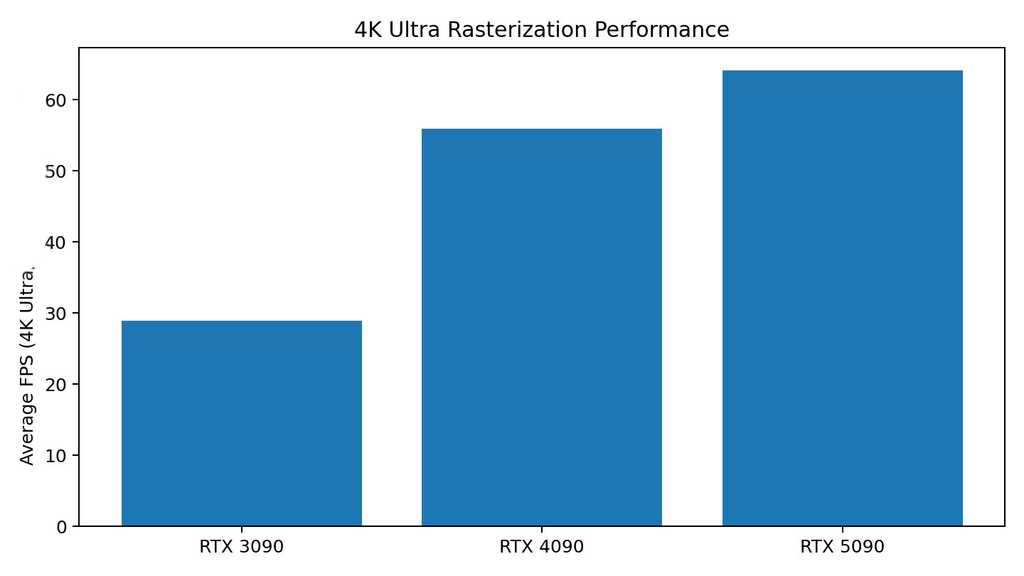
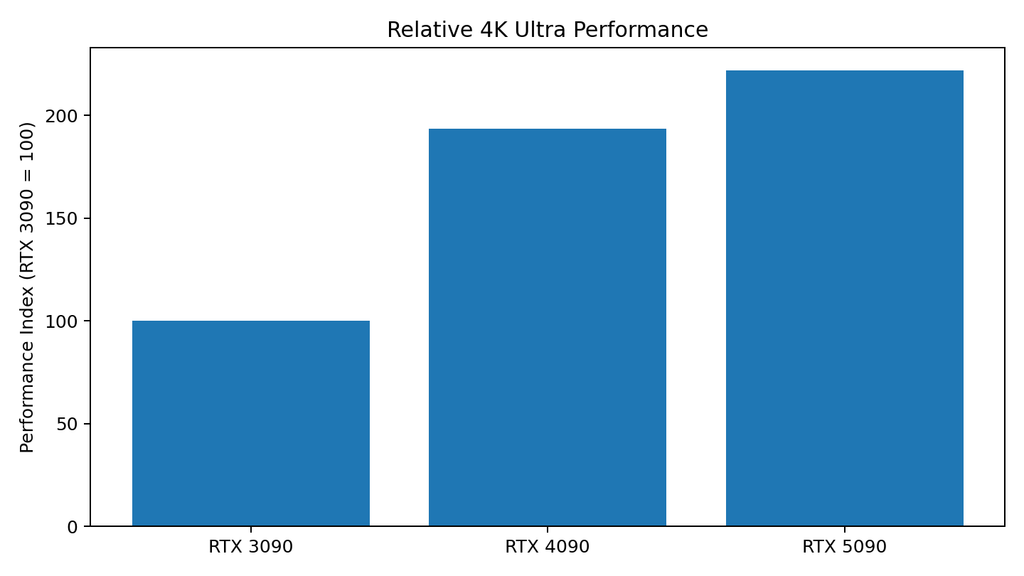
4K Ultra Rasterization Performance
| GPU | Average 4K Ultra FPS | RTX 3090 = 100 |
|---|---|---|
| RTX 3090 | 53.1 FPS | 100 |
| RTX 4090 | 89.1 FPS | 168 |
| RTX 5090 | 110.8 FPS | 209 |
The latest 2026 hierarchy puts the RTX 5090 at 110.8 FPS, RTX 4090 at 89.1 FPS and RTX 3090 at 53.1 FPS in its 4K Ultra rasterization aggregate.
Performance Difference
Using the 4K Ultra figures:
- RTX 4090 is approximately 68% faster than RTX 3090
- RTX 5090 is approximately 25% faster than RTX 4090
- RTX 5090 is approximately 109% faster than RTX 3090
This is an important distinction. The jump from RTX 3090 to RTX 4090 is enormous, while the jump from RTX 4090 to RTX 5090 is considerably smaller in traditional rasterization.
That does not mean the RTX 5090 is only a small upgrade overall. Its biggest advantages appear when ray tracing, AI workloads and DLSS 4 Multi Frame Generation enter the picture.
4K Performance Graph
RTX 3090 vs RTX 4090 vs RTX 5090: Architecture
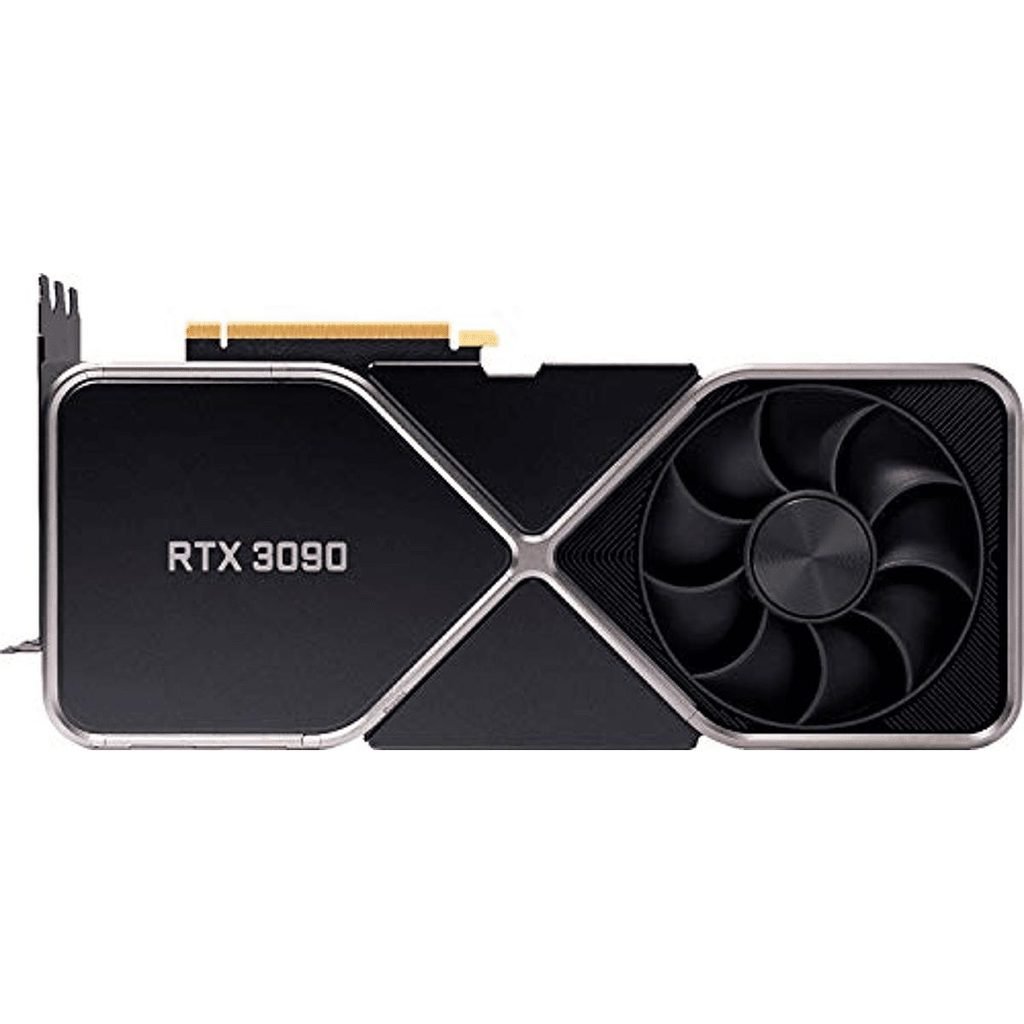
RTX 3090 — Ampere
The RTX 3090 introduced NVIDIA’s second-generation RTX architecture to the high-end market in 2020.
Its 24GB GDDR6X VRAM was exceptional for its time and remains useful today for workloads where memory capacity matters more than outright gaming speed.
The problem is efficiency. The RTX 3090 delivers significantly less performance per watt than the newer cards, while its 350W board power remains substantial.
For gaming in 2026, the RTX 3090 is still capable of serious 1440p and 4K gaming, but it lacks newer architectural features and is increasingly difficult to justify unless purchased at a very attractive used-market price.
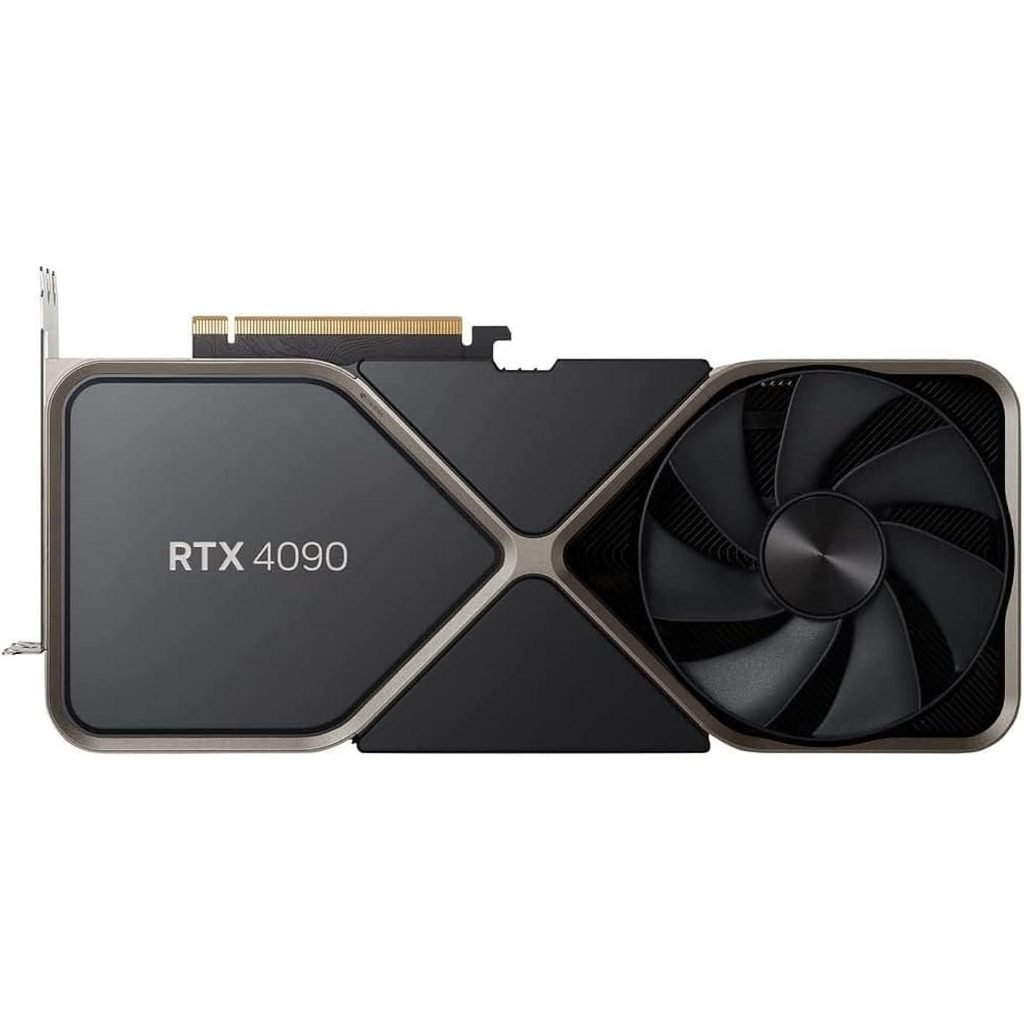
RTX 4090 — Ada Lovelace
The RTX 4090 was one of the largest generational jumps NVIDIA has delivered in its GeForce lineup.
It moved from the RTX 3090’s 10,496 CUDA cores to 16,384 and increased FP32 compute from approximately 35.6 to 82.6 TFLOPS.
It also introduced much better ray-tracing performance and DLSS 3 Frame Generation.
NVIDIA specifies 24GB of GDDR6X, a 384-bit memory bus, 1,008GB/s bandwidth and 450W total graphics power for the reference RTX 4090.
The result is a GPU that remains extremely powerful even after the arrival of the RTX 5090.
In fact, if someone already owns an RTX 4090, upgrading purely for conventional raster gaming is difficult to justify unless they specifically want the 5090’s additional VRAM, ray-tracing performance or Blackwell-exclusive AI features.
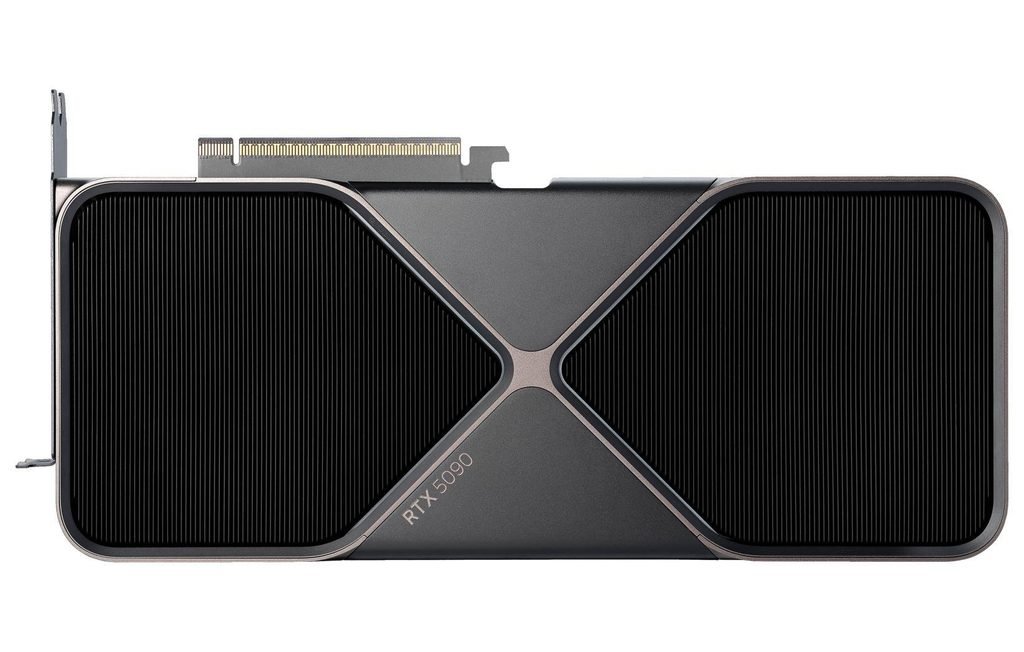
RTX 5090 — Blackwell
The RTX 5090 is the technological heavyweight of the three.
It features 21,760 CUDA cores, 32GB of GDDR7 memory, a 512-bit memory interface and 1,792GB/s memory bandwidth. Its 575W total graphics power is also substantially higher than both the RTX 4090 and RTX 3090.
The memory bandwidth is particularly important.
| GPU | Memory Bandwidth |
|---|---|
| RTX 3090 | 936 GB/s |
| RTX 4090 | 1,008 GB/s |
| RTX 5090 | 1,792 GB/s |
The RTX 5090 therefore offers approximately 91% more memory bandwidth than the RTX 4090 and approximately 92% more than the RTX 3090.
That matters for high-resolution gaming, ray tracing, AI workloads and applications that are heavily dependent on memory throughput.
Ray Tracing: RTX 3090 vs 4090 vs 5090
Ray tracing is where the age of the RTX 3090 becomes particularly obvious.
Tom’s Hardware’s 2026 ray-tracing hierarchy gives the following 4K Ultra results:
| GPU | 4K Ultra RT | RTX 3090 = 100 |
|---|---|---|
| RTX 3090 | 26.3 FPS | 100 |
| RTX 4090 | 52.2 FPS | 198 |
| RTX 5090 | 64.1 FPS | 244 |
This means the RTX 4090 delivers almost double the RTX 3090’s 4K ray-tracing performance, while the RTX 5090 pushes another substantial step forward.
The 5090’s fourth-generation RT cores and Blackwell architecture make it particularly attractive for modern games with demanding path tracing and ray-traced effects.
For someone who wants maximum visual quality rather than simply the highest raster FPS, the RTX 5090 is clearly the strongest choice.
DLSS Changes the Conversation
One of the biggest mistakes when comparing these GPUs is looking only at native rendering.
The RTX 3090 supports DLSS, but it does not support the newer Frame Generation technology introduced with RTX 40-series hardware.
The RTX 4090 supports DLSS 3 Frame Generation, while the RTX 5090 goes further with DLSS 4 Multi Frame Generation.
NVIDIA’s DLSS 4 technology can generate multiple additional frames between traditionally rendered frames, with Blackwell hardware specifically designed to make this practical.
This makes the RTX 5090 particularly interesting for 4K high-refresh-rate gaming.
However, generated frames should not be confused with raw GPU-rendered frames. Native rasterization and ray-tracing benchmarks remain important because they show the underlying rendering performance.
For that reason, QBIT.PK recommends considering both native performance and DLSS capability rather than using an advertised frame-generation multiplier as the sole measure of GPU performance.
VRAM: Is 24GB Still Enough?
This is one area where all three cards remain impressive.
The RTX 3090 has 24GB.
The RTX 4090 also has 24GB.
The RTX 5090 increases that to 32GB.
For conventional 1440p gaming, 24GB is already more than enough in most situations.
At 4K, however, large texture packs, ray tracing, professional applications and AI workloads can consume significantly more memory.
For gaming alone, the RTX 3090’s 24GB remains useful. For professional workloads, AI experimentation and future-proofing, the RTX 5090’s 32GB gives it a clear advantage.
NVIDIA also highlights the 5090’s 32GB GDDR7 and 1,792GB/s bandwidth as major components of its Blackwell design.
Power Consumption: RTX 3090 vs 4090 vs 5090
Performance is only part of the equation.
| GPU | Total Graphics Power | Recommended System PSU |
|---|---|---|
| RTX 3090 | 350W | Around 750W+ depending on system |
| RTX 4090 | 450W | 850W |
| RTX 5090 | 575W | 1000W |
NVIDIA officially lists 450W TGP and an 850W recommended system power for the RTX 4090, while the RTX 5090 is rated at 575W with a 1000W recommended system power.
This makes the RTX 5090 considerably more demanding.
A 5090 build should therefore be designed around an appropriate high-quality PSU, adequate case airflow and proper power-cable installation.
For a compact or efficiency-focused system, the RTX 3090 or 4090 can be easier to accommodate.
Which GPU Is Best for Different Users?
Best for Maximum Gaming Performance: RTX 5090
Winner: RTX 5090
If money is secondary and the objective is simply the fastest gaming GPU among these three, buy the RTX 5090.
It has the highest native performance, highest ray-tracing performance, most VRAM, highest memory bandwidth and newest DLSS capabilities.
For 4K high-refresh gaming, especially with demanding ray tracing, there is no ambiguity.
QBIT.PK verdict: RTX 5090.
Best for 4K Gaming Without Going to the Extreme: RTX 4090
Winner: RTX 4090
The RTX 4090 remains an exceptionally powerful 4K card.
Its 89.1 FPS aggregate at 4K Ultra in Tom’s Hardware’s 2026 rasterization hierarchy demonstrates that it is still comfortably in the high-end class.
If a buyer finds a properly priced RTX 4090, it can represent an excellent alternative to the much more demanding and expensive RTX 5090.
QBIT.PK verdict: RTX 4090 for buyers prioritizing high-end 4K performance without needing the absolute flagship.
Best Used-GPU Option: RTX 3090
Winner: RTX 3090 — only at the right price
The RTX 3090 should not be dismissed.
Its 24GB VRAM remains valuable, and its 53.1 FPS 4K Ultra raster score in the current hierarchy shows that it is still capable of serious high-resolution gaming.
But purchasing one in 2026 requires a significant price advantage.
A used RTX 3090 makes sense for someone who wants lots of VRAM on a limited budget and is comfortable buying an older GPU.
It does not make sense to pay close to RTX 4090 money for one.
Best GPU for AI and Content Creation
For AI development, 3D rendering and other GPU-accelerated professional workloads, the hierarchy changes slightly.
RTX 5090 — Best
The 5090’s 32GB VRAM, massive memory bandwidth and Blackwell Tensor Core architecture make it the strongest option.
RTX 4090 — Excellent
The 4090’s 24GB VRAM and mature CUDA ecosystem make it exceptionally capable and still highly relevant for creators and AI users.
RTX 3090 — Budget VRAM Option
The 3090’s 24GB capacity is its biggest advantage. If a workload fits into 24GB and the card is available cheaply, it can remain a very capable workstation GPU.
For new professional systems: RTX 5090 wins.
What About Someone Already Using an RTX 4090?
This is where the recommendation becomes very clear.
Do not upgrade from an RTX 4090 to an RTX 5090 purely because it is newer.
The RTX 5090 is substantially faster, but the native rasterization difference in Tom’s 2026 aggregate is about 24% at 4K.
The upgrade becomes much more attractive for users who specifically want:
- Maximum 4K ray tracing
- 32GB VRAM
- GDDR7 bandwidth
- DLSS 4 Multi Frame Generation
- Newer Blackwell AI capabilities
- High-refresh 4K gaming
- Heavy AI workloads
For a 4090 owner who is already satisfied with 4K gaming, keeping the 4090 is the smarter decision.
RTX 3090 vs 4090 vs 5090: Final Ranking
| Category | Winner |
|---|---|
| Overall Performance | 🥇 RTX 5090 |
| 4K Gaming | 🥇 RTX 5090 |
| Ray Tracing | 🥇 RTX 5090 |
| AI Performance | 🥇 RTX 5090 |
| VRAM Capacity | 🥇 RTX 5090 |
| Memory Bandwidth | 🥇 RTX 5090 |
| Efficiency | 🥇 RTX 4090 |
| Used-GPU Value | 🥇 RTX 3090 |
| High-End Alternative to 5090 | 🥇 RTX 4090 |
| Future-Proofing | 🥇 RTX 5090 |
Final Verdict: RTX 5090 Is the Best — But Not Everyone Should Buy It
There is no need to make the conclusion complicated.
The RTX 5090 is the best GPU of these three.
It is the fastest in native gaming performance, the fastest in ray tracing, has the most VRAM, delivers dramatically higher memory bandwidth and adds Blackwell-exclusive technologies such as DLSS 4 Multi Frame Generation. NVIDIA’s specifications confirm 21,760 CUDA cores, 32GB GDDR7, 1,792GB/s bandwidth and 575W total graphics power.
But best does not automatically mean best value.
For someone building an uncompromising flagship gaming PC, professional workstation or AI-focused machine, RTX 5090 is the clear recommendation.
For a buyer who wants extremely powerful 4K gaming but can obtain a 4090 at a substantially lower price, RTX 4090 remains an excellent choice.
For a budget-conscious enthusiast looking at the used market, RTX 3090 is still worth considering because of its 24GB VRAM—but only when its price reflects its age and lower performance.
QBIT.PK’s definitive recommendation
Best Overall: RTX 5090
Best High-End Alternative: RTX 4090
Best Used/VRAM Budget Choice: RTX 3090
If the question is simply “RTX 3090 vs RTX 4090 vs RTX 5090 — which one should I buy today?”, the answer is:
Buy the RTX 5090 if your budget allows it and you want the best. Buy the RTX 4090 if it is significantly cheaper. Buy the RTX 3090 only when its used price makes it a genuine bargain.
That is the clearest way to understand the three generations in 2026.