
No products in the cart.

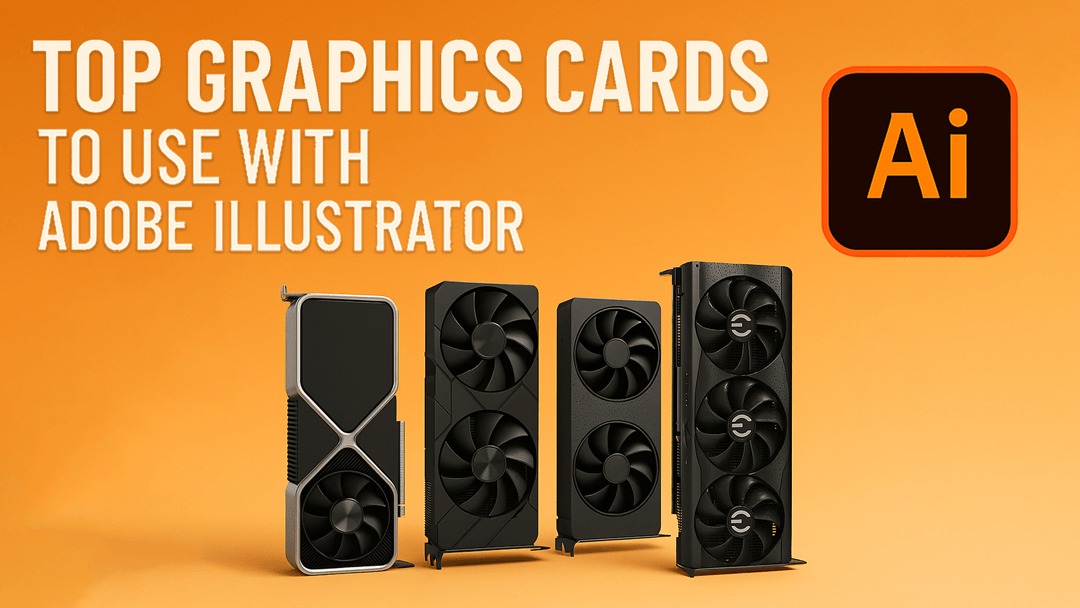
Top Graphics Cards to Use with Adobe Illustrator: Performance Unleashed Leave a comment
Adobe Illustrator is the software of choice in the market among professional graphic designers and artists who require the best in performance and precision. Regardless of what kind of art you are doing, whether it is vector art, illustrations, or logos, the right hardware can really make a huge difference in your workflow and creativity. The graphics card is one of the most important elements to put into consideration when setting up or upgrading your system. Within this guide, we will look at the best graphics cards to use with Adobe illustrator so that you are able to select the one that best fits your needs.
Why should I have a Graphics Card to use Illustrator?
Most of the users will be wondering why a high-end graphics card is needed with an application such as Adobe Illustrator which is a vector-based application. Vector graphics are after all not much of a strain on the GPU processing capabilities unlike in raster based applications like photoshop. Nevertheless, a decent graphics card may still have a number of advantages: –
Enhanced Display Resolution: A better graphics card enables the displaying of high resolution artwork. – Faster Rendering Times: illustrator is predominantly a processor-driven graphics program, but in case of complicated effects and exporting to raster-based formats, a quality GPU may prove beneficial. – Improved Multitasking: A good graphics card will make sure that you can run many applications at once without having your system bogged down.
Best Graphics Cards in Adobe Illustrator
Price, performance, compatibility and features are also some of the factors to consider when choosing a graphics card. The following are some of the best ones in the market today:
NVIDIA GeForce RTX 3050
The NVIDIA GeForce RTX 3050 is a great option to get at a favorable price. It has 6GB of GDDR6 RAM which is sufficient to deal with large files and projects. Another thing that the RTX 3050 has is Ray Tracing and DLSS (Deep Learning Super Sampling), which is not directly useful in the case of Illustrator, but can be handy in case you also use other Adobe Creative Cloud products that support these features.
NVIDIA GeForce RTX 2080
The RTX 2080 is a good option when it comes to people who want to get high-end performance. It has 8GB of GDDR6 VRAM, which makes it easy to use even the largest files in Illustrator. It has the most sophisticated CUDA cores that ensure the speed of rendering is very fast, hence suitable to professionals working with high-resolution artworks and complex designs.
MSI RTX 4060 Ti Ventus 2X 16GB (Black Edition)
Another high-end graphics card with a lot of potential in graphics-intensive tasks is the MSI RTX 4060 Ti Ventus 2X 16GB (Black Edition). It has 16GB of GDDR6 memory, and you will never run out of VRAM when using large Illustrator files. The RDNA 2 is an excellent design in terms of performance and power consumption, and is a good option in case one wants to buy an MSI product.
ASUS TUF RTX 4080 Super
The ASUS TUF RTX 4080 Super is a good choice in case you are operating in a professional environment where matters of reliability and certified driver support are a priority. It is optimized in such a way that it is used in enterprise-level applications such as Adobe Illustrator and has excellent performance and stability. It has the 16GB GDDR6 VRAM, which gives it the potential to take any workload so that no matter the multitasking, it would work smoothly.
What to Look at When Selecting the Graphics Card
VRAM (Video RAM)
VRAM is essential in working with big, sophisticated files. More VRAM can be used to increase the performance of adobe illustrator and minimize lagging. The minimum VRAM should be 8GB, but 16GB will give you a larger future-proofing margin.
Compatibility
Check the compatibility between the graphics card and your motherboard and power supply unit. Measure how big it is to make sure it will fit into your computer case. Also, ensure that your machine is up to the minimum specification of the graphics card that you want to buy.
Driver Support
The high-end graphics cards such as Quadro are professionally supported with powerful drivers, which is necessary in ensuring that the performance and stability remains high throughout.
Power Consumption
There are graphics cards that are different in their power consumption. Better GPUs tend to be more power-demanding, so you want to check that your power supply would be able to handle it. Performance degradation and hardware failure may be caused by overheating.
Configuring Your Graphics Card to Run as Efficiently as Possible
After choosing and installing your new graphics card, below are the steps to make it work well with the Adobe illustrator:
1. Install Drivers: Download drivers of the current date in the manufacturer website and install them. This makes sure that you can always use the new features and optimizations.
2. Setup Options: Use controls supplied by graphics card manufacturer. This may involve VRAM allocation and performance adjustments to your particular application.
3. Optimize Illustrator Preferences: Visit the preferences in Illustrator and check the hardware acceleration in the Performance options. This takes advantage of the GPU in some processes and boosts performance.
4. Check Temperatures: Monitor the temperatures with software such as MSI afterburner when under heavy load. By ensuring that your GPU operates in its safe operating temperatures, you will extend its lifespan and keep its performance.
Conclusion
The selection of a graphics card can be a good step in streamlining your job and creativity in the use of Adobe illustrator. Although vector graphics are less GPU-intensive than raster ones, the quality of graphics display, speed of rendering, and overall responsiveness of the system may be enhanced with the help of a high-quality graphics card. Be it the cost-effectiveness of the NVIDIA GeForce RTX 3050, the performance of the ASUS TUF RTX 4080 Super, or the all-rounder MSI RTX 4060 Ti Ventus 2X 16GB (Black Edition), buying a decent graphics card pays off in the long run both in terms of productivity and peace of mind. With a little thought about your needs and budget you can find a graphics card that will satisfy your needs now as well as give you some flexibility in the future projects. It is important to note that you should update your drivers regularly and check the performance of your system in order to make the best out of your hardware configuration. Happy designing!